Changes and Git: what the agent actually changed
The Git panel shows the branch, the changed files and the changes themselves in the active pane's folder. From there you can also send the branch to GitHub.
-
01Open Changes
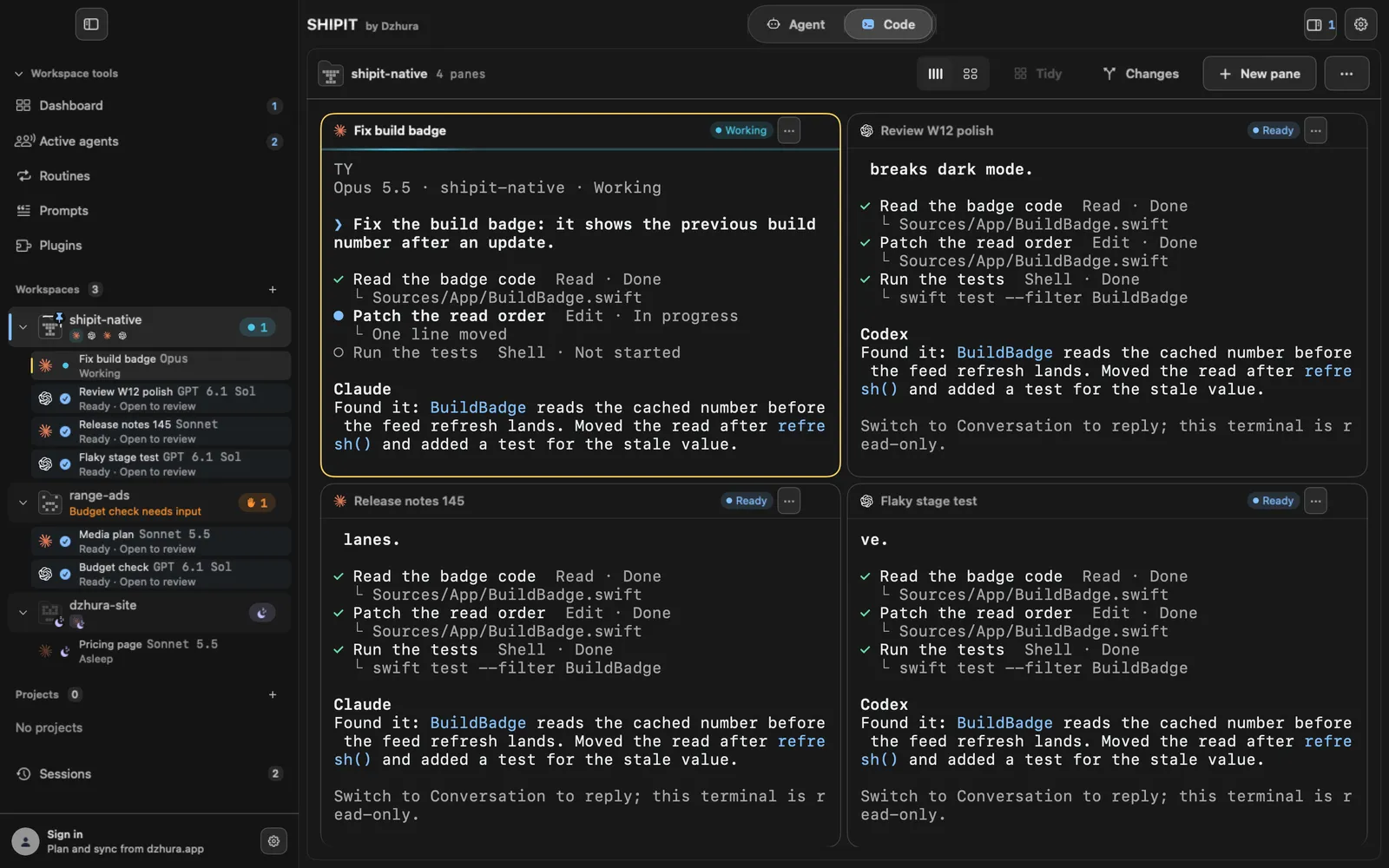
The Changes button above the panes opens Git for the active pane; press it again to hide it. The pane menu and the workspace menu have the same thing as Git panel.
-
02Which side it opens on
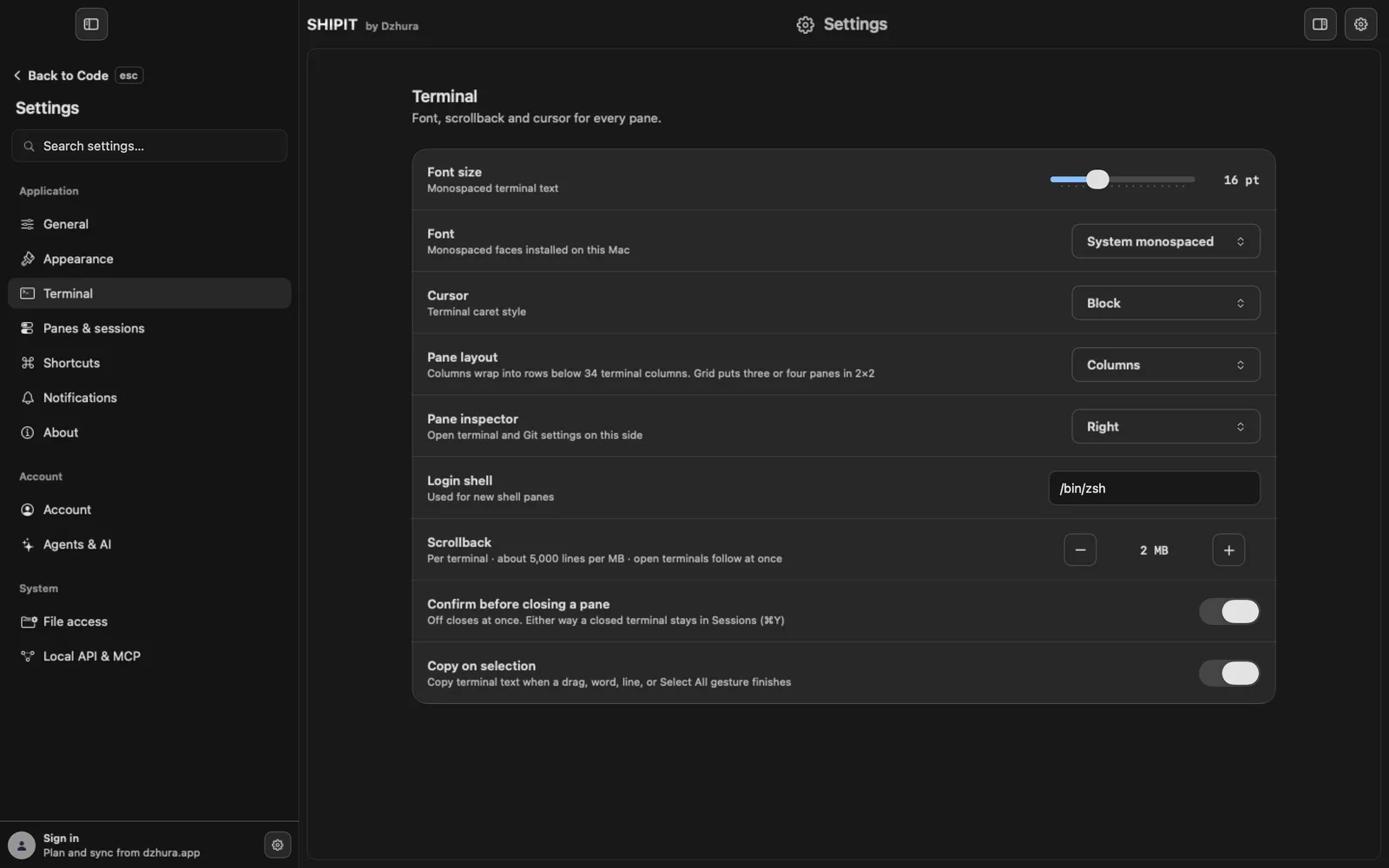
Git opens on the right. To move it left, set Pane inspector in
Settings › Terminalfrom Right to Left. Pane settings open on the same side. -
03Branch and changed files
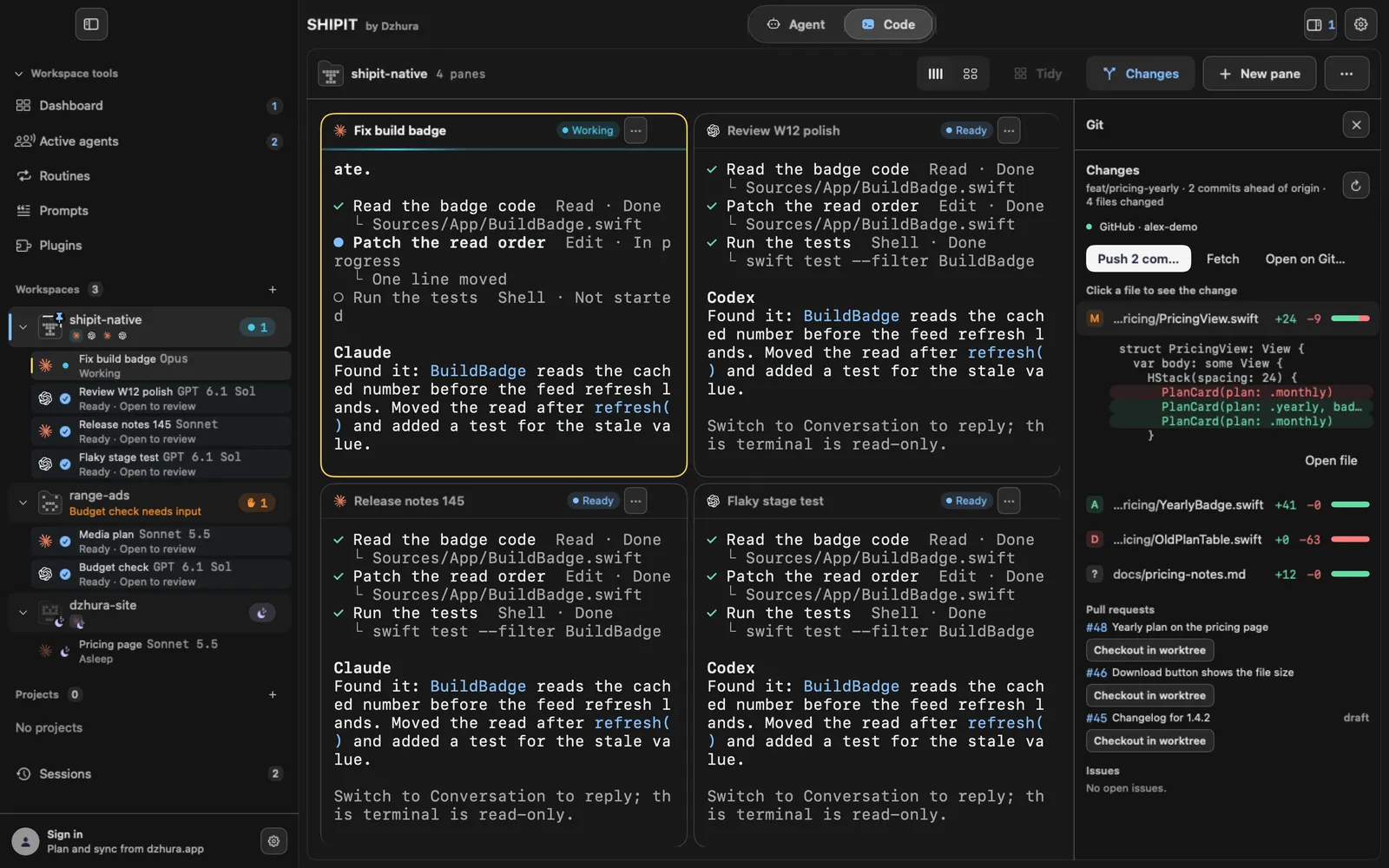
At the top, Changes: the branch name, how many commits it is ahead of or behind origin, and how many files changed. Below is the file list with a status letter and the lines added and removed.
M modified, A added, D deleted, U conflict, ? a new file Git does not track yet. If the pane's folder is not a Git repository, the panel says so.
-
04See the change itself
Click a file: the first lines of its change open right in the list. Open file opens the whole file.
TipBefore you ask the agent to push anything, look here at what it really changed.
-
05Send it to GitHub
The main button follows the branch: publish a new branch, pull or push commits, or create a pull request. If the branch is behind, it offers the pull first, since a push would be rejected. Next to it are Fetch and Open on GitHub.
The GitHub line in the same panel has Sign in with GitHub: without it the pull request list does not show.
-
06Pull requests and Issues
Once you are signed in to GitHub, the open Pull requests and Issues of the repository show below. Checkout in worktree on a pull request checks its branch out into a separate git worktree.
Tips
- The panel follows the active pane. Click another pane and Changes shows its folder.
- The main button reads Publish branch, Push, Pull or Create pull request depending on the branch.
Questions
Why is the Changes button off?
The workspace has no pane Git can be shown for. Open a terminal or an agent in the project folder.
Do I need to learn git?
No. The panel shows what changed, and sending it is one button or a request to the agent.