Something is wrong: symptom and fix
Find your symptom and do what it says. If that does not help, the last step shows how to tell us.
-
01SHIPIT does not open
Start SHIPIT from the Applications folder, where you dragged it from
SHIPIT.dmg. On the first launch macOS asks whether to open an app downloaded from the internet: confirm.If it still does not open, download a fresh
SHIPIT.dmgfrom your account page and replace the app in Applications. Step by step: install and first launch. -
02An assistant is not installed

Open
Settings › Agents & AI. On the Claude Code or Codex card that says Not installed, click Install. It takes one to three minutes.If the install fails, the window has Try again and Copy details. Keep the details in case you need to write to us. The other way: Open a terminal instead.
TipIn detail: the Connect Claude and Connect Codex guides.
-
03The assistant asks to sign in
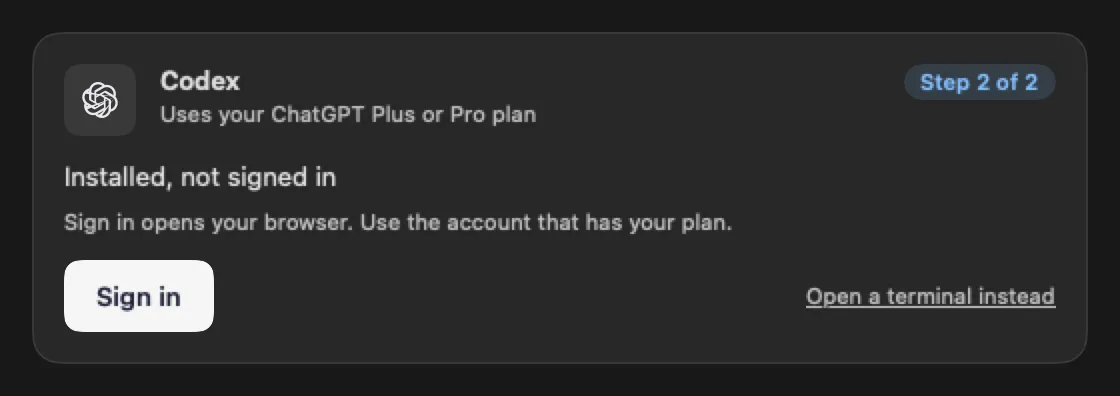
A card that says Installed, not signed in waits for a sign-in to Anthropic or OpenAI. Click Sign in and your browser opens. Use the account that has your plan.
If you closed the page, click Open the page again. More on signing in: sign-in problems.
-
04An agent does not answer
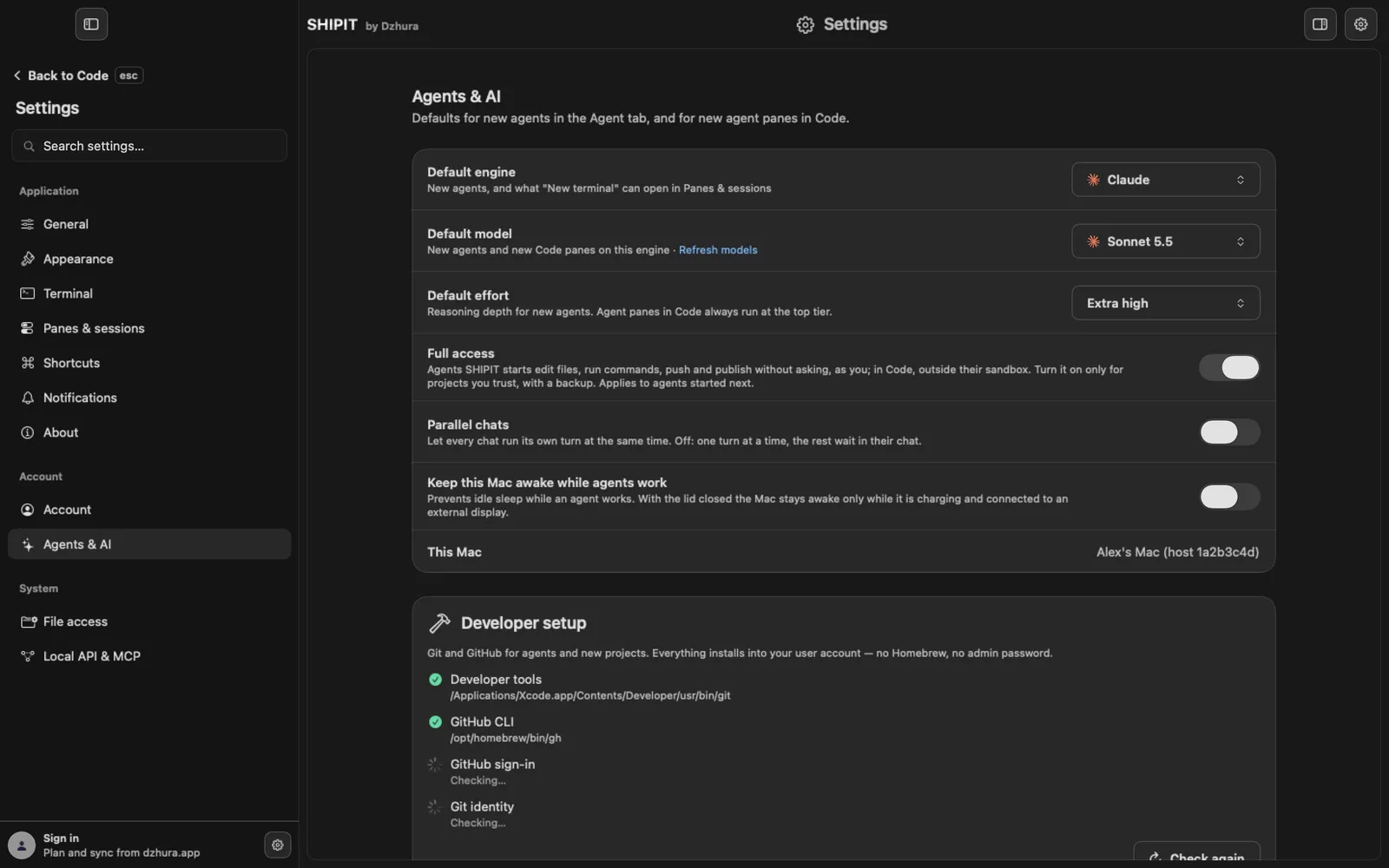
First look at the conversation. With Ask before acting the agent may be waiting for you: look for Needs your approval. How to answer is in approvals and Ask mode.
Then check that the assistant card in
Settings › Agents & AIsays Ready to use. If your plan's limit is used up, the Limits section in Dashboard shows when it resets: usage and limits.TipTo stop every agent at once: ⌥⌘. (Option-Command-Period).
-
05The Mac gets slow
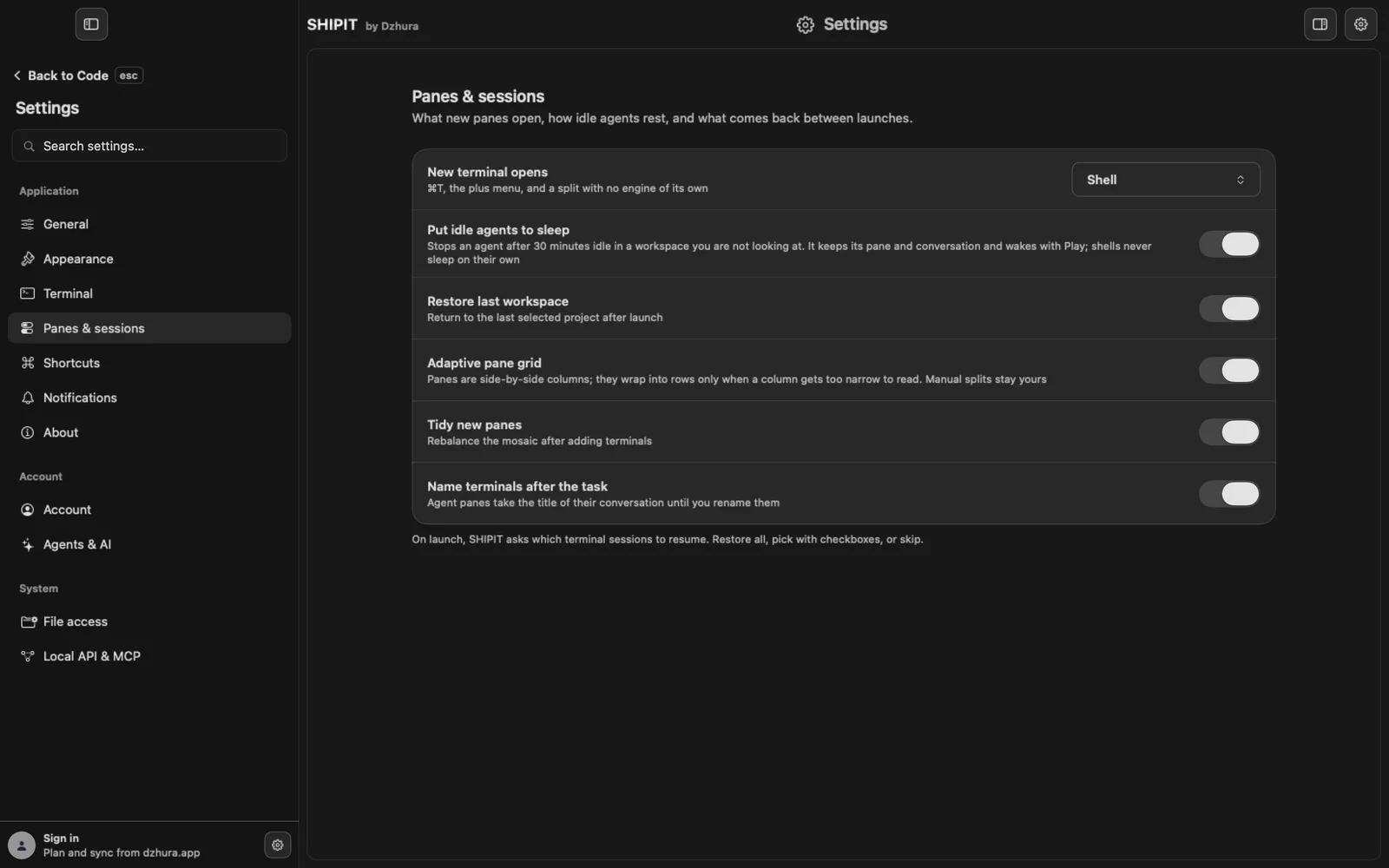
Every pane and every agent is a running program.
Settings › Panes & sessionshas Sleep idle agents: an agent that sits idle in a workspace you are not looking at stops. Its pane and conversation stay, and it wakes with Play. Plain shells never sleep on their own.A project you do not need right now can sleep as a whole: Sleep workspace in the workspace menu in the Code tab.
-
06Still stuck: tell us
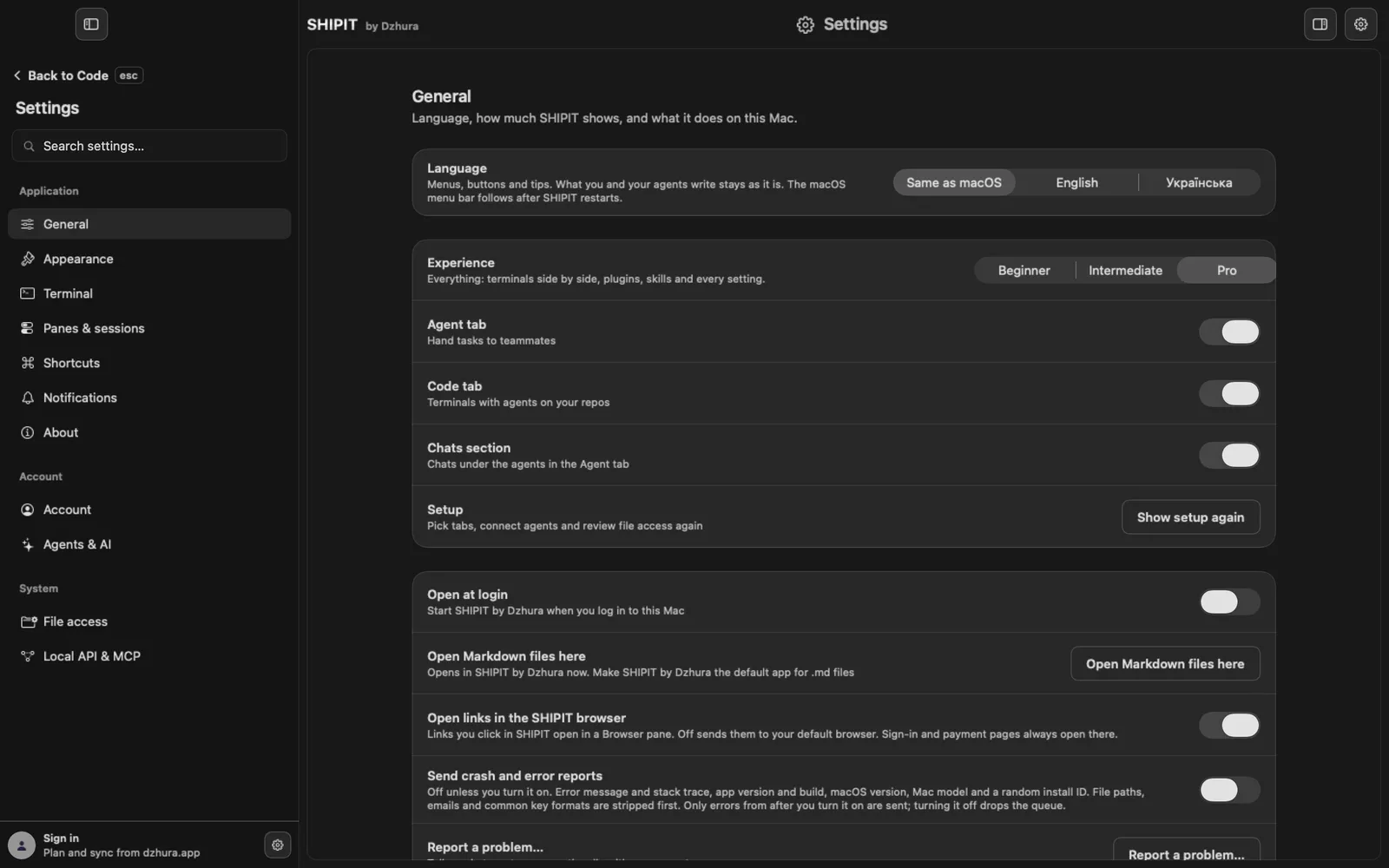
In
Settings › Generalclick Report a problem…. Say what happened and what you expected. How it works and what is sent: report a problem.
Tips
- Before you look for a cause, install the newest build: many problems are already fixed there.
- Copy details from the install window can go straight into a problem report.
Questions
The agent has been thinking for a long time. Is it stuck?
Not always. If it waits for your approval, the conversation shows the request. If not, stop it and ask again.
Does stopping an agent break anything?
No. The agent stops working on the current task, and the conversation stays.
Next
- Report a problem and crash reportsDescribe what went wrong, and we get it together with the app version. Automatic crash reports are sent only if you turn them on.
- Sign-in problems: Dzhura account, Claude and CodexSHIPIT has two different sign-ins: your Dzhura account and your assistants. Here is how to sort out each.
- Connect Claude CodeIn a few minutes Claude Code is on your Mac and runs on the Claude plan you already have. You do not need a terminal.
- Approvals and Ask before actingYou decide what an agent does on its own and what waits for your yes. Here is where to set it.